Material, Texture & Colour: How to Choose for Realistic 3D Visuals
Design is more than structure — it’s how light, texture, and color interact. DrawHome lets you experiment with realistic material libraries to make your 3D designs visually stunning.
Why Visual Details Matter
Material choices define the mood of a space. The right combination of textures and tones can make small rooms feel spacious and welcoming.
In DrawHome You Can:
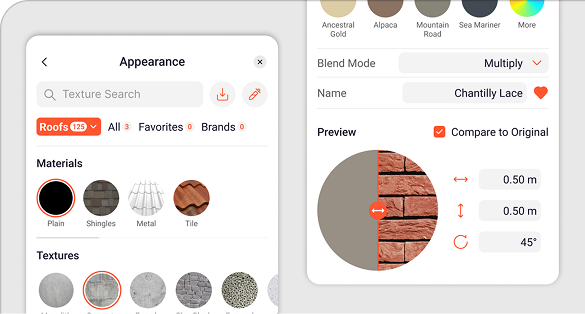
Apply wall and floor materials directly.
Adjust lighting to test how colours appear in natural and artificial settings.
Preview realistic shadows and reflections in 3D.
Pro Tips:
Use contrast: pair dark wood with light walls.
Keep palettes consistent across connected spaces.
Preview at different times of day.
Conclusion
Turn plain layouts into breathtaking renders. Play with materials and lighting today — your imagination is the only limit.