How Digital Tools Make Home Design Easier for Beginners
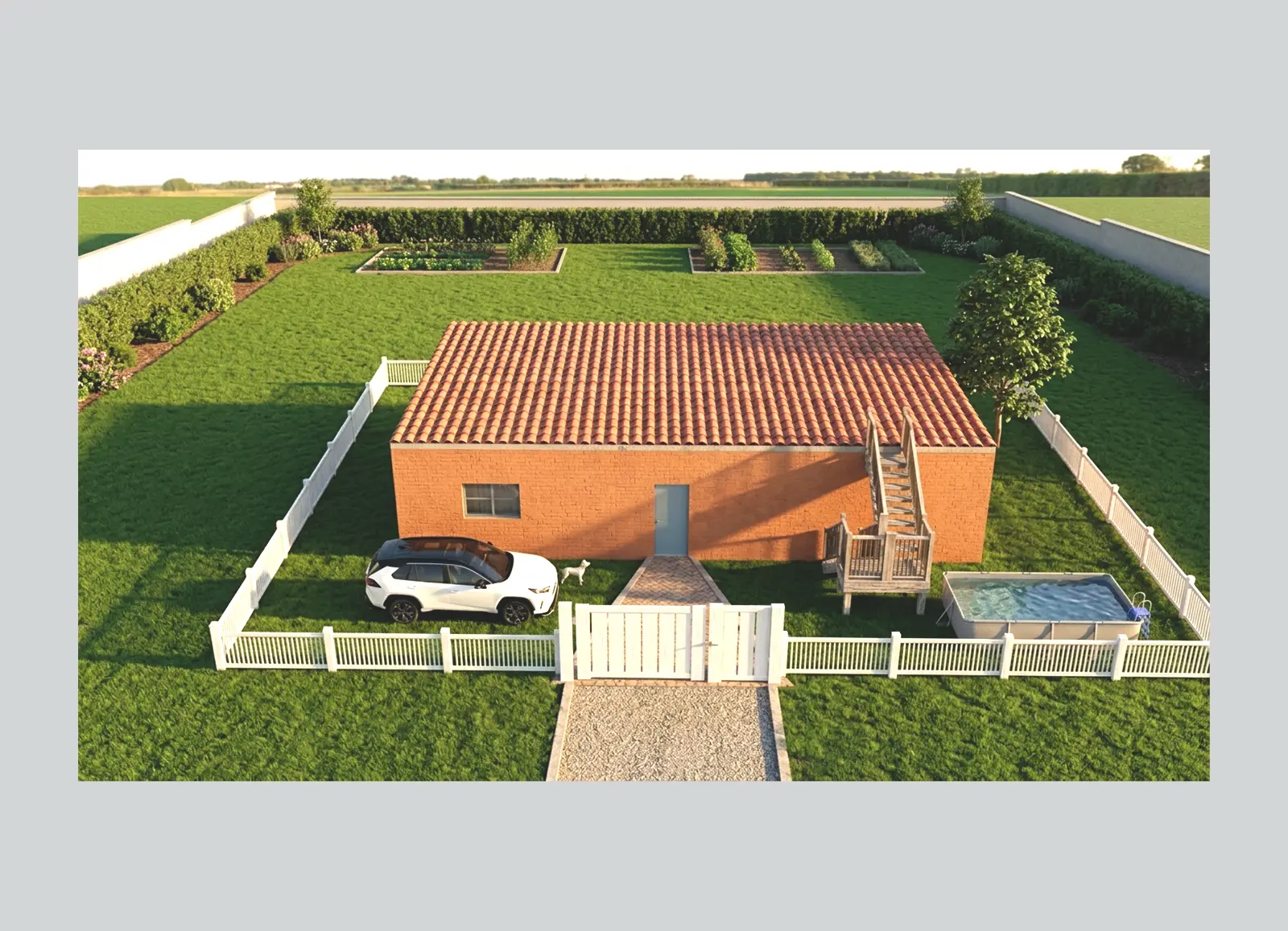
Designing your dream home used to feel overwhelming—especially for beginners.
Traditional home planning often meant hiring professionals, interpreting complex blueprints, and trying to imagine what your future home might look like from flat sketches. For most homeowners, that process felt intimidating.
But today, digital design tools have changed everything.
Platforms like Draw Home are making home design easier, faster, and far more accessible—allowing anyone to design and visualize their home in realistic 3D, even without professional experience.
Whether you’re planning a renovation, building from scratch, or simply exploring ideas, digital tools can help turn your vision into reality.
Why Beginners Often Struggle with Home Design
If you’re new to home design, common challenges usually include:
- Not knowing where to start
- Difficulty visualizing layouts
- Fear of costly mistakes
- Confusion with measurements and spacing
- Trouble communicating ideas to builders or designers
This is where modern 3D home design tools make a huge difference.
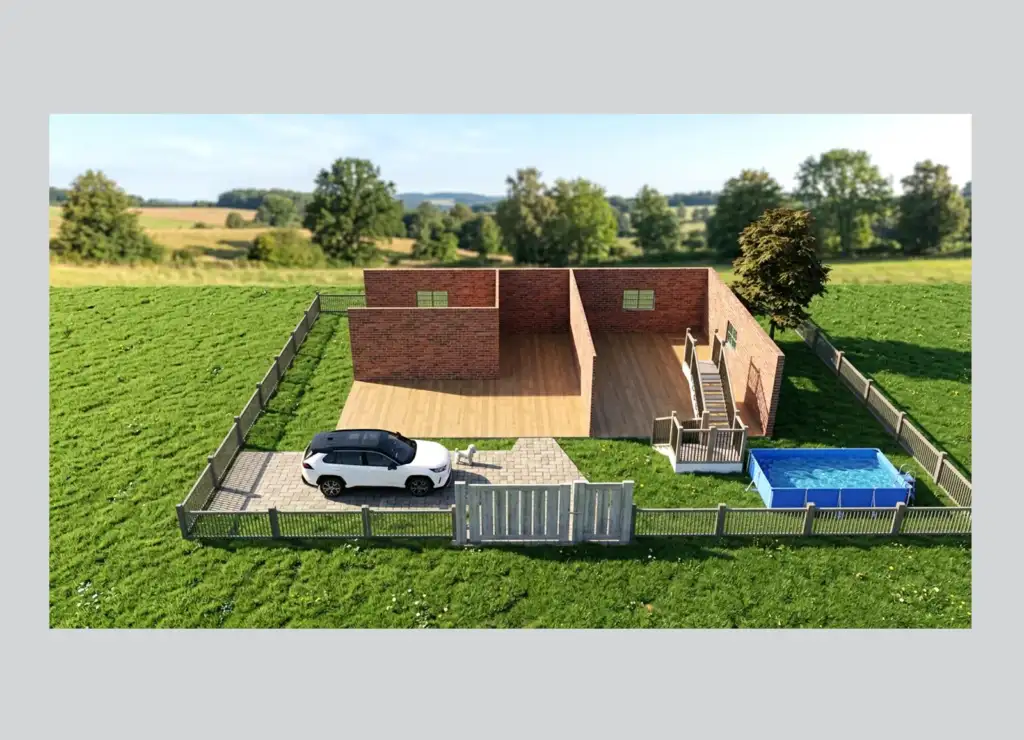
Instead of imagining your ideas—you can now see them instantly.
1. Visualize Your Home in 3D Before You Build
One of the biggest advantages of digital home design tools is visualization.
With a platform like Draw Home App, beginners can:
- Draw floor plans
- Build room layouts
- Add walls, windows, and furniture
- Instantly preview everything in 3D
This makes design decisions easier because you’re not guessing—you’re seeing your home before construction begins.
2. Make Faster Design Decisions
Should your kitchen be open concept?
Will that bedroom feel too small?
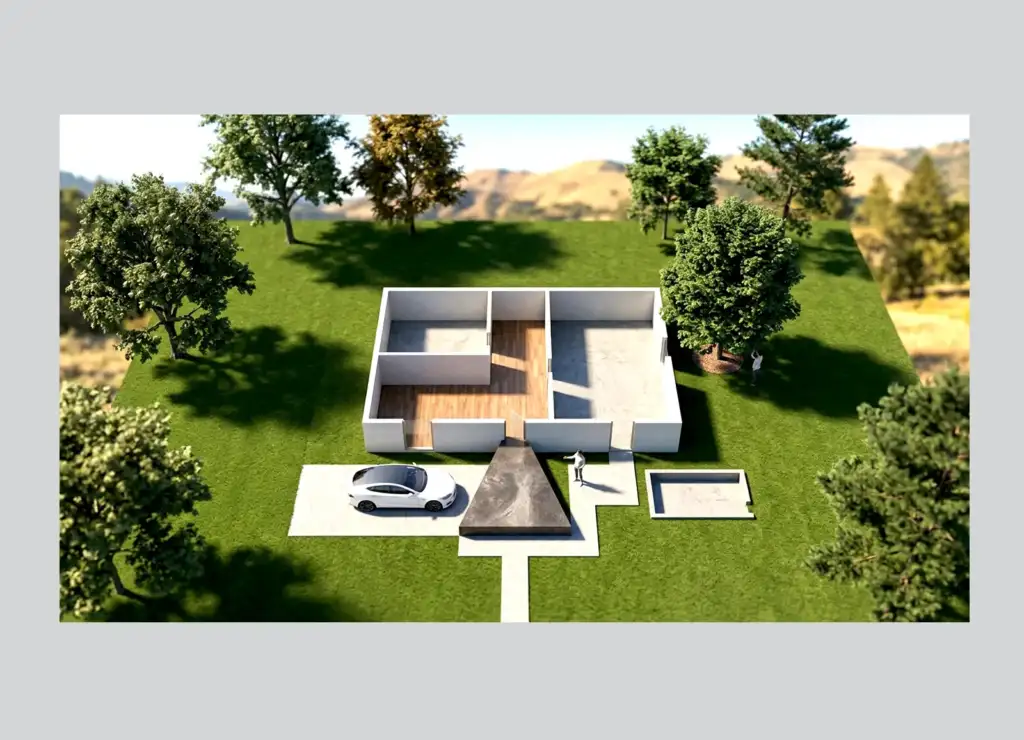
Does the patio fit your backyard?
Digital tools answer these questions quickly.
With real-time editing, you can:
- Move walls
- Resize rooms
- Change layouts
- Compare options instantly
Instead of restarting plans, you simply adjust and preview.
That saves both time and money.
3. Reduce Expensive Mistakes
One of the biggest beginner mistakes is committing too early.
Digital design platforms help prevent that by letting users test ideas before building.
For example, you can:
- Check room flow
- Test furniture placement
- Compare roof styles
- Preview exterior finishes
This minimizes surprises during construction—and increases confidence.
4. Design More Than Just Interiors
Many people think home design tools are only for interiors.
But modern tools like Draw Home allow users to design:
- Full floor plans
- Roof layouts
- Home elevations
- Outdoor spaces
- Patios
- Landscaping
- Interior rooms
- Furniture layouts
That means your entire home project can live in one platform.
5. Learn by Exploring Real Design Examples
Beginners often don’t know what’s possible until they see examples.
That’s why the Draw Home Examples Gallery is such a valuable resource.
It helps users:
- Explore completed projects
- Discover layout inspiration
- Compare design styles
- Adapt ideas for their own homes
Sometimes inspiration is the best starting point.
6. Learn Faster with Tutorials and Expert Content
The best design tools don’t just give you software—they help you improve your skills.
That’s why Draw Home offers learning resources through:
YouTube Tutorials:
Draw Home YouTube Channel
Perfect for:
- Step-by-step tutorials
- Feature walkthroughs
- Beginner guidance
- Design inspiration
Expert Articles:
Draw Home Blog
Great for:
- Home design tips
- Feature updates
- Planning advice
- Design trends
This makes the learning curve much easier for first-time users.
7. Design Anytime, Anywhere
Because modern design platforms are browser-based, you can work from anywhere.
With Draw Home App, you can:
- Start a project instantly
- No complicated installation
- Access designs online
- Edit from multiple devices
That flexibility is perfect for today’s homeowners and busy professionals.
Why Draw Home Is Ideal for Beginners
What makes Draw Home stand out?
✅ Beginner-friendly interface
✅ Easy 2D to 3D visualization
✅ Fast floor plan creation
✅ Exterior + interior design support
✅ Built-in collaboration tools
✅ Helpful tutorials and blog content
✅ Real project inspiration through examples
It’s designed to make home design feel simple—not stressful.
Home design no longer needs to be complicated.
With modern digital tools, beginners can:
- Visualize ideas instantly
- Explore more confidently
- Avoid expensive mistakes
- Build smarter
Whether you’re planning your first renovation or designing your forever home, tools like Draw Home make the journey easier.
Your dream home starts with a simple first step.
Start here: Visit Draw Home
Try designing now: Launch the App
Get inspired: View Examples
Learn more: Read the Blog
Watch tutorials: YouTube Channel