
How to Plan a Small Kitchen Layout Efficiently (And Have Fun Doing It!)
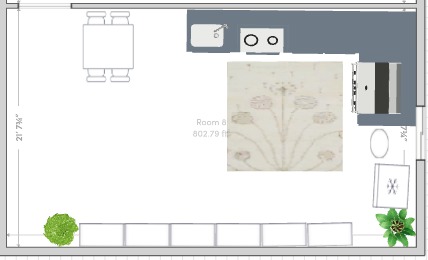
Trying to cook in a tiny kitchen can sometimes feel like playing a frustrating game of Tetris. Whether you are a teenager trying to figure out how to squeeze a mini-fridge and microwave into a cool hangout space, or an adult remodeling a compact condo up in Canada or a cozy apartment in the USA, making the most of a small room is a puzzle we all face.
But what if solving that puzzle was actually as easy and fun as playing a video game?
You don’t need to be a math genius or a professional builder to get it right. With the right app, planning an efficient kitchen layout is a breeze for anyone, whether you are 15 or 50. Let’s look at exactly how to master your small kitchen space using DrawHome!
Swap the Graph Paper for a Digital Canvas
Forget about using messy graph paper and rulers. To build an efficient layout today, the smartest move is to use a digital house plan drawing software like DrawHome.
When you open the app, make sure you are in “2D” mode using the toggle at the top of the screen. DrawHome acts as an incredibly smart ai floor plan generator(Check out this quick video) . Just click and drag your mouse to outline your kitchen walls. The app instantly displays the exact measurements as you draw the lines, taking all the stressful “adult” math right out of the equation!
Step Inside Your Space Before You Build
Placing items on a flat map is okay, but to really understand how a small kitchen feels, you need to step inside it.
Click the “3D” button at the top of your screen. Instantly, your flat drawing pops up into a real-looking room! This transforms the app into an incredible 3d room planner tool. Creating 3d room designs online lets you spin the camera around, zoom in, and see exactly how much walking space you really have before you start adding heavy appliances.
Master the Drag-and-Drop "Work Triangle"
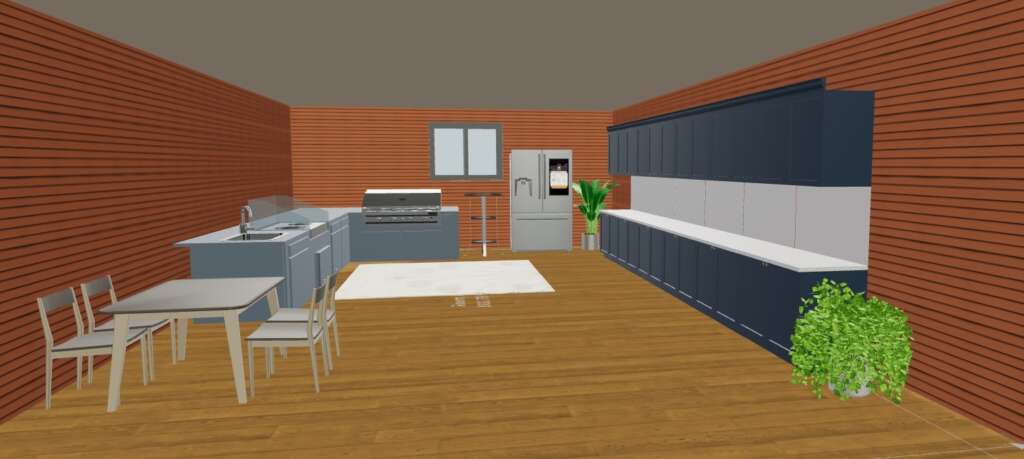
Now it is time to build your “Work Triangle” (the design rule that says you should keep your sink, stove, and fridge close together).
Click the “Catalog” button on the right side of your screen and simply type “Kitchen” into the search bar. You will immediately see tons of cabinets, stoves, sinks, and islands. Just click and drag your appliances directly into your 3D room. You can slide them right up against the walls and easily rearrange them until they form a perfect, efficient triangle.
The Secret Weapon for Tiny Walls
Here is the ultimate trick for small kitchens. When you click on any cabinet or fridge you just placed in the room, a “Settings” menu opens on the right panel.
This menu lets you type in the exact Height, Width, and Length of that specific item! If a standard cabinet is just one inch too wide for your tiny wall, you can shrink it down instantly so it fits perfectly.
Make It Feel Like Home
Once the heavy stuff is in place, make it feel like home. Search the Catalog for “Carpet” or “Plants” and drop a rug or a potted plant right into the room. When you place an item, a little pop-up toolbar appears next to it, letting you click and smoothly rotate your rug or kitchen island to the perfect angle.
Don't Forget the View From the Street!
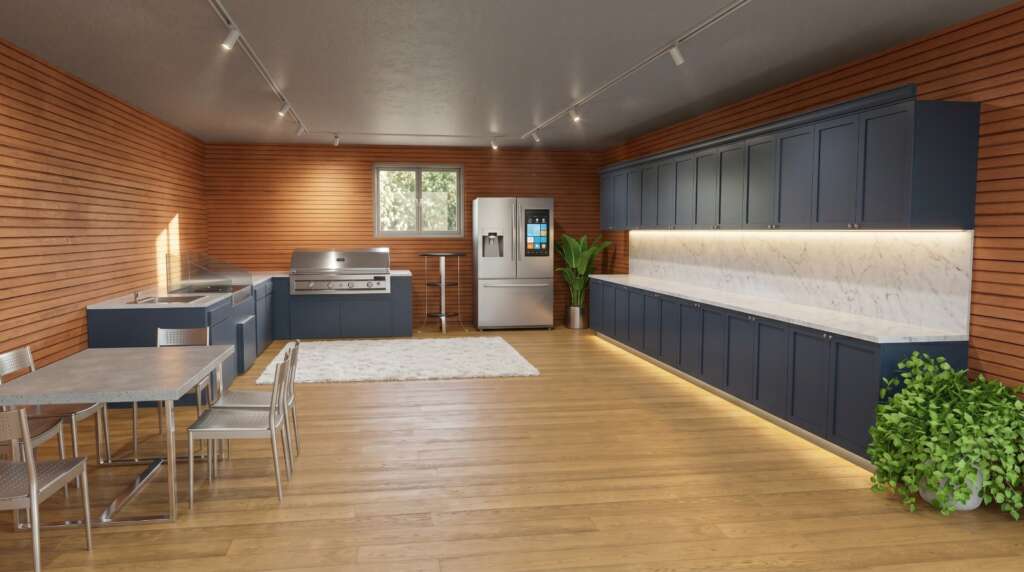
A small kitchen needs plenty of natural sunlight from a window so it doesn’t feel like a dark cave. But remember: where you place your kitchen window changes how your house looks from the street!
This is where DrawHome really shines. It isn’t just for the inside; it is also a fantastic home exterior design app. While you are planning your kitchen layout, you can use the app as a home exterior design tool online to look at the outside of your walls.
Want to see if a bigger kitchen window will look weird from the backyard? Use the built-in ai exterior design generator to test it out! Having a free ai exterior design tool combined with your interior planner makes this the ultimate home exterior design tool for your entire property.
Start Building Your Dream Space Today
Designing a kitchen shouldn’t be stressful it should be an exciting chance to be creative! By mapping out your small kitchen digitally first, you save time, avoid costly mistakes, and create a room you will love for years.
Ready to treat home design like your new favorite game? Click here to open DrawHome and build your layout right now!